# React Bootstrap Table Loading
This component creates a placeholder of random size with specific number of rows and columns.
## Install
```bash
npm install react-bootstrap-table-loading
```
## Usage
Component usage example.
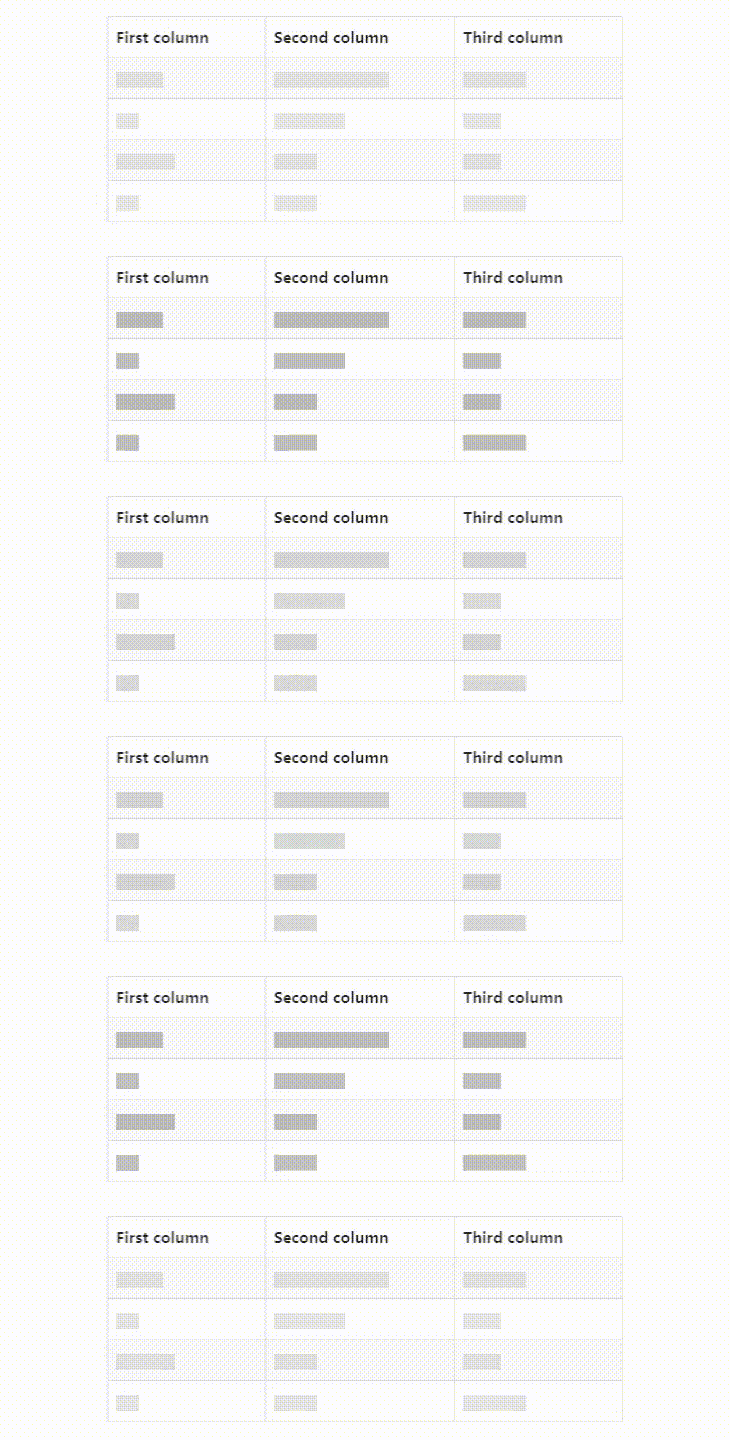
```typescript
import 'bootstrap/dist/css/bootstrap.min.css';
import { Table } from 'react-bootstrap';
import { TableLoading } from 'react-bootstrap-table-loading';
export default () => {
return
| First column |
Second column |
Third column |
}
```
You can see a interative component in [Storybook](https://main--634ac42f704ee9968be99133.chromatic.com).
## Props
### TableLoading
| Name | Type | Default | Description |
| ---------- | ------------------ | ------- | ----------------------------------------------------------------------------- |
| columns | `Column` \| number | - | **Required**. Array with `Column` object type values or numeric column number |
| lines | number | - | **Required**. Number of lines |
| tbody | boolean | true | Render with `` element |
| tbodyProps | object | {} | tbody properties |
## Types
### Column
| Name | Type | Default | Description |
| ---- | ------ | ------- | -------------------------- |
| min | number | - | **Required**. Min col size |
| max | number | - | **Required**. Max col size |
## License
MIT